
SIM Owner Details by Number
Have you ever received calls from unknown numbers and wondered who is calling you? Or maybe you want to check how many SIM cards are registered under your name? You are not alone. Thousands of people in Pakistan search for ways to find SIM owner details every day.
In this guide, I will explain everything you need to know about checking SIM ownership details in Pakistan the right way.
What Does "SIM Owner Details by Number" Mean?
When we talk about SIM owner details we mean finding out who registered a particular mobile phone number. This includes information like:
- The person’s name
- Their CNIC (National Identity Card) number
- Which network the SIM belongs to (Jazz, Telenor, Zong, Ufone)
- When the SIM was activated
Think of it like checking who owns a car by looking at its number plate. But here is the thing just like you can’t access anyone’s personal car documents you also can’t legally access someone else’s SIM details without proper authority.
Why Do People Want to Check SIM Owner Details?
People search for this information for different reasons:
Good Reasons:
- Getting unknown calls or messages repeatedly
- Someone is harassing you or your family
- You lost your phone and want to report it
- Checking how many SIMs are registered in your name
- You forgot which network your old number belonged to
Wrong Reasons:
- Spying on someone without permission
- Stalking or harassing others
- Illegal investigation
I want to make this clear from the start: Privacy is a right. You cannot legally access someone else’s personal information without their permission or legal authority.
Legal Ways to Check SIM Information in Pakistan
Now share the legit methods you can actually use:
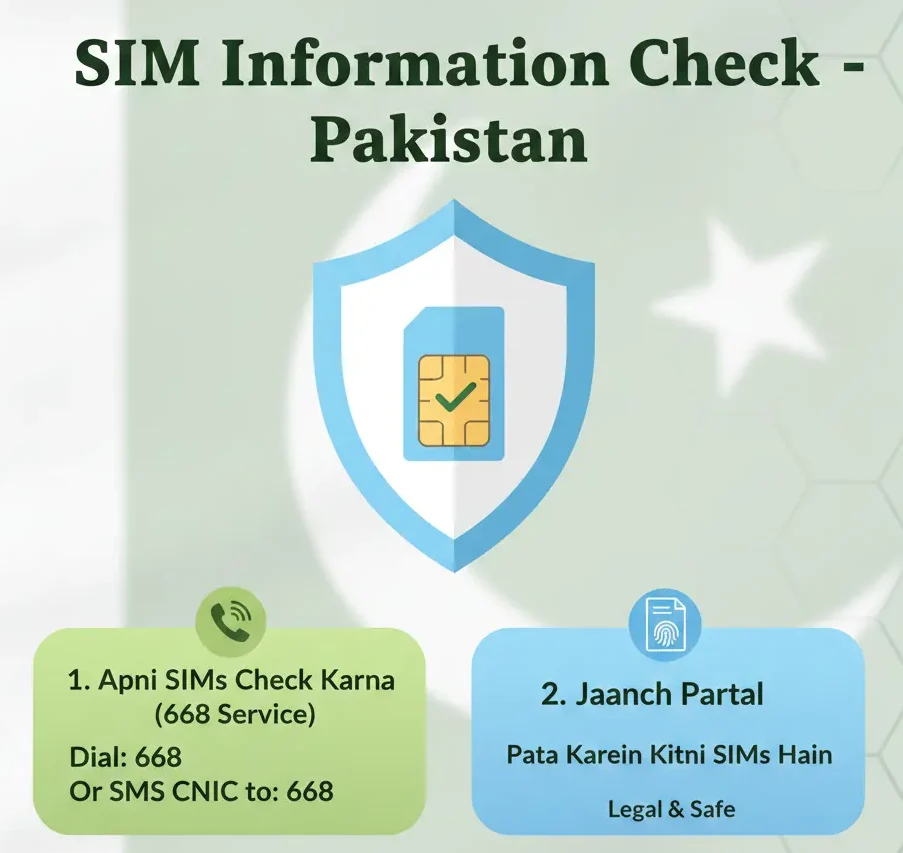
Method 1:Check Your Own Registered SIMs
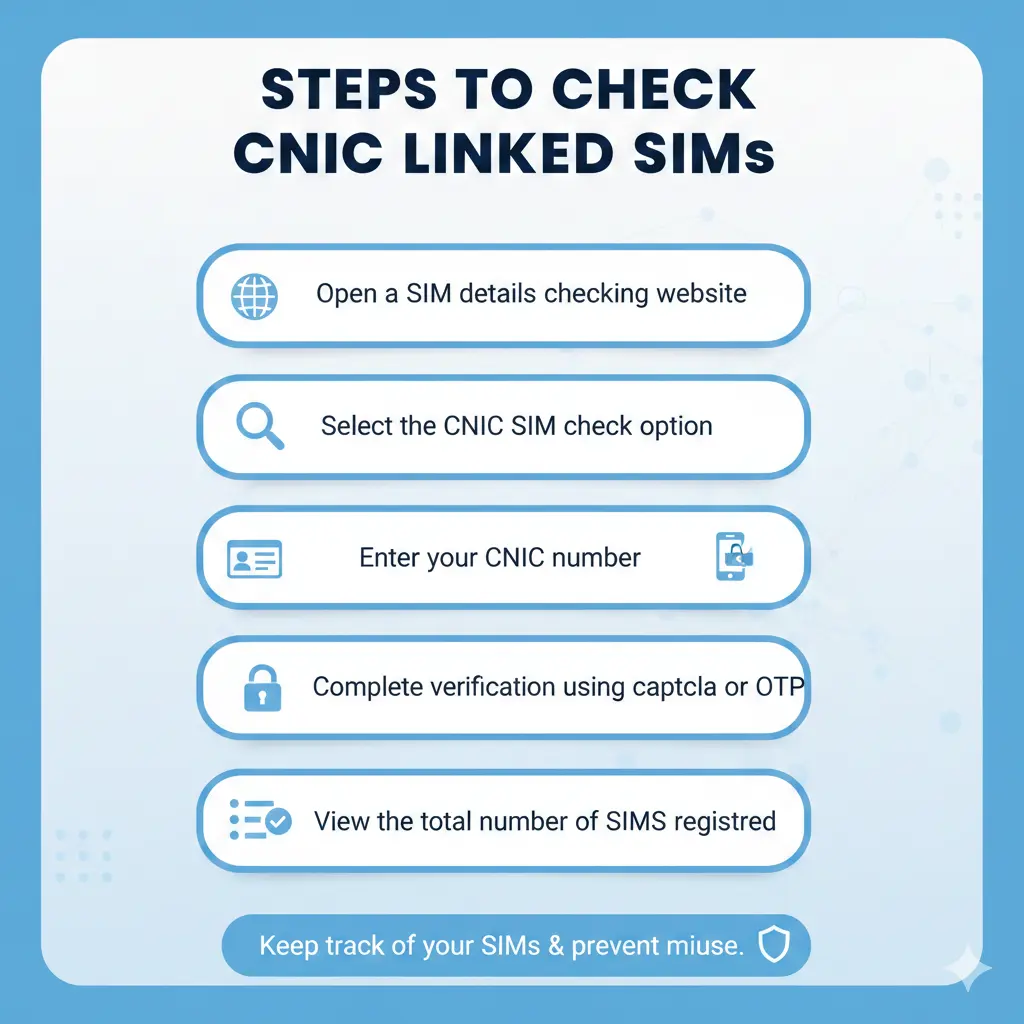
This is the easiest and most common method. The Pakistan Telecommunication Authority (PTA) offers a free service where you can check all SIMs registered under your CNIC. You can also check how many sims are register on a cnic.
How to do it:
| Step | Action |
|---|---|
| 1 | Open your phone's messaging app |
| 2 | Type your 13-digit CNIC number (without dashes) |
| 3 | Send this SMS to 668 |
| 4 | Wait 2–3 minutes |
| 5 | You'll receive a message showing all SIMs registered in your name |
Method 2: Contact Your Mobile Network's Customer Service
If you are getting harassing calls or have a genuine problem, you can contact your network provider directly.
| Network | Customer Service Number | What They Can Help With |
|---|---|---|
| Jazz | 111 | Block numbers, report harassment |
| Telenor | 345 | Verify your own SIMs, report issues |
| Zong | 310 | Check your account details |
| Ufone | 333 | Report spam or fraud |
Beware of Fake Websites and Apps
Here is where many people get fooled. If you search online, you will find hundreds of websites and apps claiming they can show you anyone’s SIM owner details instantly.
Let me be crystal clear: These are ALL scams.
| What They Promise | What Actually Happens |
|---|---|
| "Enter any number and get owner's name" | They steal your personal data |
| "100% accurate CNIC details" | They install malware on your device |
| "Free SIM information check" | They show fake results to gain your trust |
| "No registration needed" | They collect your phone number and CNIC |
What Should You Do If Someone Is Harassing You?
Instead of trying to find out who they are yourself follow these smart steps:
Step 1: Block the number immediately on your phone
Step 2: Save evidence
- Take screenshots of messages
- Note down dates and times of calls
- Record what they said
Step 3: Report to your network
- Call customer service
- Ask them to block the number from their end
- Register a formal complaint
Step 4: If it’s serious (threats, blackmail) go to FIA Cyber Crime
- File an official complaint
- Let experts handle the investigation
- They have legal tools to trace the person
Why Do People Search for SIM Owner Details?
People search for SIM Owner Details by Number for different reasons such as:
Unknown missed calls
Scam or fraud messages
Harassment issues
Family safety concerns
Verifying their own SIM
These reasons can be genuine but the method used must always be legal.
Can You Get the Owner’s Name from a SIM Number?
In Pakistan:
Only telecom companies
Law enforcement agencies
are legally allowed to trace a SIM owner’s name, and that too only through a legal request.
For the general public:
Directly checking a SIM owner’s name is not possible
Online tools or apps claiming to do this are not real
Conclusion
SIM Owner Details by Number is a very popular search but there is also a lot of misinformation surrounding this topic. In Pakistan, checking a SIM owner’s name online using any SIM number is neither legal nor possible.
The best approach is to:
Follow only legal methods
Avoid fake websites and apps
Respect privacy and the law
This article is written for awareness and educational purposes so that users can get correct information and do not fall victim to fraud.
FAQS
Can I find out who owns a SIM card for free?
Only if it is YOUR own SIM. Use the 668 service to check SIMs registered in your name. You cannot legally check someone else’s details.
Are online SIM owner checker websites real?
No They are all fake and designed to steal your information or waste your time.
How can I check how many SIMs are registered in my name?
Send your CNIC number (without dashes) as SMS to 668. It is free and official.
Can police trace a mobile number?
Yes but only with proper legal process. They need a valid complaint and investigation to access telecom data.